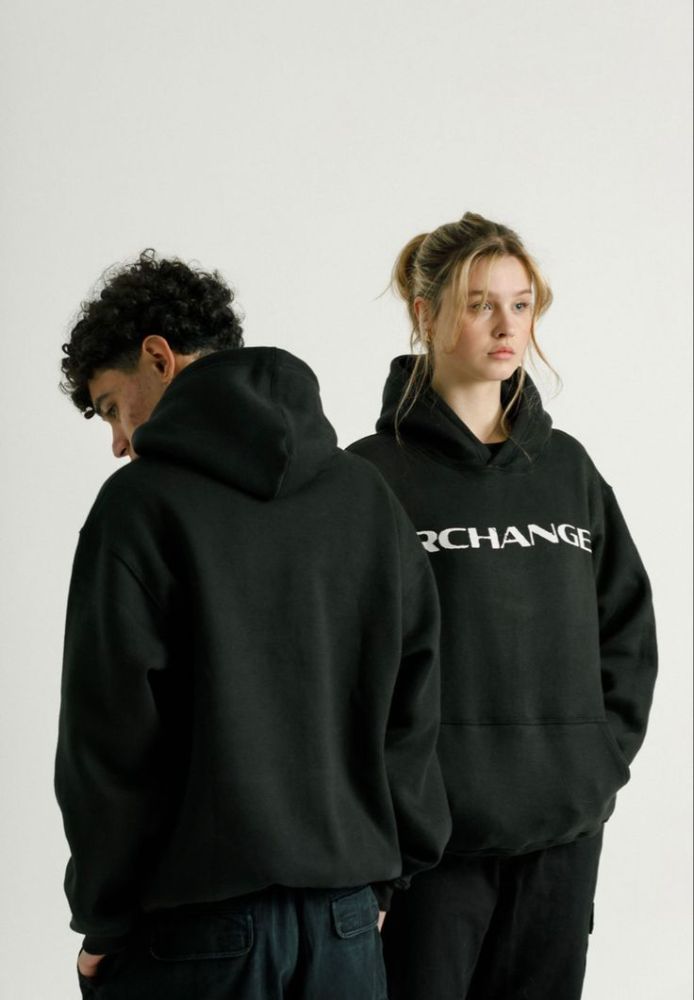
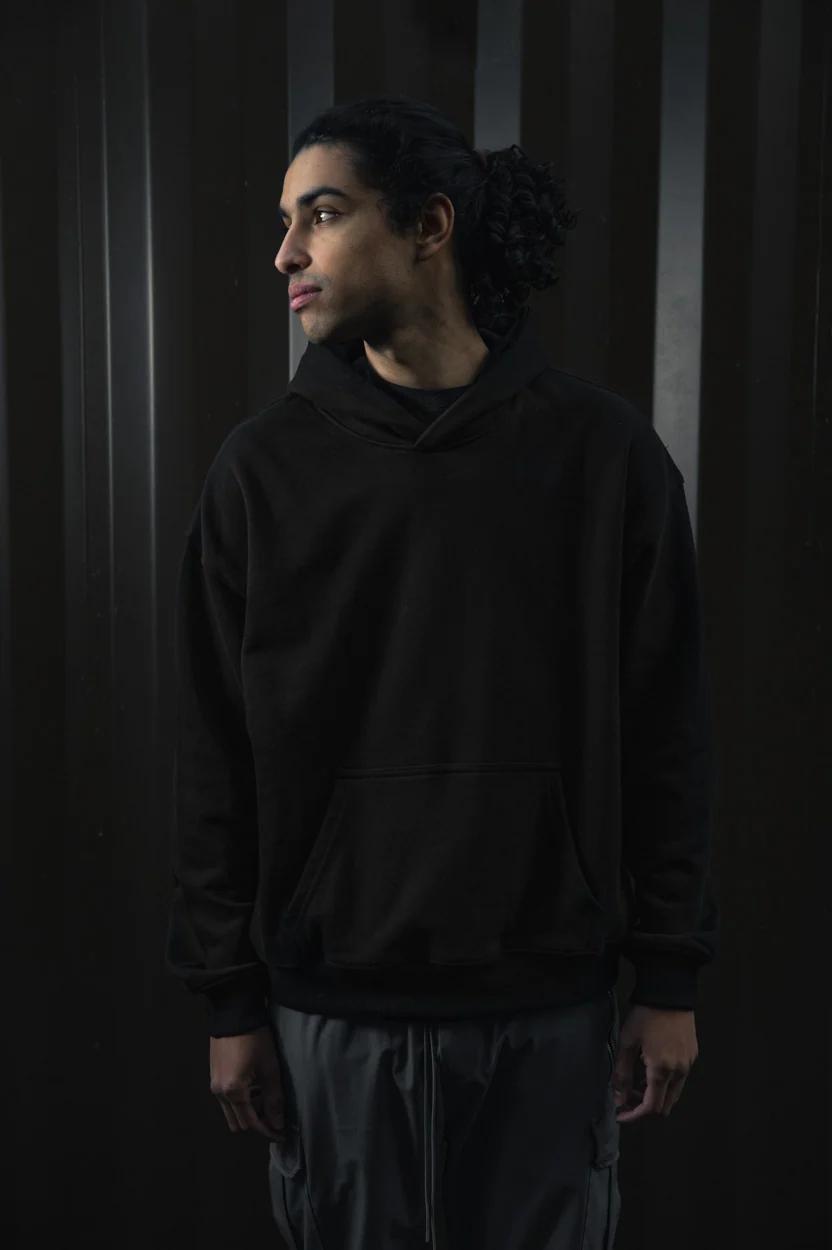
VESPROUX Series 1 is winter streetwear cut oversized and sewn heavy — thick fleece, dropped shoulders, and fits that hold their shape. Designed in Pakistan, delivered to your door with Cash on Delivery.
Cash on Delivery — Nationwide
Fast courier shipping to 130+ Pakistani cities via TCS & Trax. Free delivery all over Pakistan — no delivery charges.. Pay when your parcel arrives.
7-Day Hassle-Free Exchange
Need a different size or color? Contact us on WhatsApp for an immediate rider-to-rider exchange.
Orders are dispatched within 24 hours and delivered in 2–4 business days to 130+ cities across Pakistan via TCS & Trax. Delivery is free all over Pakistan — no delivery charges on any order. Every order is Cash on Delivery. Wrong item delivered? Message us on WhatsApp within 7 days and we will put it right.
Cash on Delivery
No card, no advance payment. Pay in cash when your parcel arrives, anywhere in Pakistan.
7-Day Exchange
Wrong size or colour? Message us on WhatsApp within 7 days of delivery and we will arrange a rider-to-rider size or colour swap. Pieces must be unworn, unwashed and with their tags on.
Size Guide
Size
Chest (in)
Length (in)
S
22
26
M
23
27
L
24
28
XL
25
29
VESPROUX pieces are cut oversized. Between sizes? Size down for a regular fit.
Let The Drop Find You
First looks, surprise drops and members-only prices — straight to your inbox.
Delivery, payment, exchanges and sizing — everything in one place, exactly as it applies to every VESPROUX order.
Shipping & Returns
Orders are dispatched within 24 hours and delivered in 2–4 business days to 130+ cities across Pakistan via TCS & Trax. Delivery is free all over Pakistan — no delivery charges on any order. Every order is Cash on Delivery. Wrong item delivered? Message us on WhatsApp within 7 days and we will put it right.
Cash on Delivery
No card, no advance payment. Pay in cash when your parcel arrives, anywhere in Pakistan.
7-Day Exchange
Wrong size or colour? Message us on WhatsApp within 7 days of delivery and we will arrange a rider-to-rider size or colour swap. Pieces must be unworn, unwashed and with their tags on.
Size Guide
Size
Chest (in)
Length (in)
S
22
26
M
23
27
L
24
28
XL
25
29
VESPROUX pieces are cut oversized. Between sizes? Size down for a regular fit.
Need Help?
Fastest reply is on WhatsApp: 0302 7700990. You can also reach us through the Contact page.
Delivering across all 130+ Pakistani cities via TCS & Trax · Cash on Delivery · Free delivery all over Pakistan. See Shipping & Policies for full details.
Review your pieces, add a discount code, then place your Cash on Delivery order — pay only when your parcel arrives.
Your Bag
Checkout — Cash on Delivery
VESPROUX
ADMIN CONTROL PORTAL
SIGN IN WITH YOUR GOOGLE ACCOUNT. FIRST TIME ONLY: AFTER PICKING IT, UNLOCK ONCE WITH THE MASTER KEY BELOW — YOUR GOOGLE ACCOUNT GETS LINKED AND OPENS THE DASHBOARD DIRECTLY FROM THEN ON.
OR ENTER PASSWORD
End-to-End Encrypted
VESPROUX
0
0
0
Rs. 0
COD Customer Orders
Real-time Cash on Delivery orders placed through the website. Status changes and Markaz links are saved the moment you press their buttons.
Loading orders…
Store Products
Manage active items displayed on the storefront.
Shop by Section Cards (4)
Customize the 4 curated storefront selection cards (Men's Hoodies, Tops & Tees, Bottoms & Cargoes, Accessories). Upload your own high-resolution cover photos, change headings, and update badges. Each category's SAVE button saves right away.
Homepage “Men” Tile — First Tile
The first tile in “Shop by Collection” on the homepage — it links to the Men section (/men). Upload a photo from your phone / PC, pick a quick photo, or paste a photo link — then press SAVE MEN TILE and the new picture goes live on the homepage right away.
Homepage “Women” Tile — Second Tile
The second tile in “Shop by Collection” on the homepage — it links to the Women section (/women). Upload a photo from your phone / PC, pick a quick photo, or paste a photo link — then press SAVE WOMEN TILE and the new picture goes live on the homepage right away.
Homepage “Shop All” Tile — Third Tile
The third tile in “Shop by Collection” on the homepage, under Hoodies & Sweatshirts. It is not a product category, so it has its own card here: upload a photo from your phone / PC, pick a quick photo, or paste a photo link — then press SAVE SHOP ALL TILE and the new picture goes live on the homepage right away.
Homepage Banners & Campaigns
Everything on the homepage is editable here. The hero at the top rotates through 4 pictures on its own — each one has its own section below (SLIDE 1 to SLIDE 4) with its own photo, headline and text, and its own SAVE button. Below that: the editorial campaign photo, then every heading, feature, perk and footer line on the page.
SECTION 00
LOGO & BRAND
Your logo shows in the header, the footer, the admin login page and this dashboard. Upload a transparent PNG for the cleanest result — the file is kept exactly as you upload it (no compression, so transparency survives).
LOGO — ON WHITE (HEADER · LOGIN · DASHBOARD)
LOGO — ON BLACK (FOOTER)
SECTION 01
HERO SLIDE 1 — FIRST PICTURE (HOODIES)
The first picture visitors see. The hero rotates Slide 1 → 2 → 3 → 4 automatically every 2 seconds. Wide photos (landscape) fill laptop screens best; portrait photos are framed automatically on phones. Keep headline lines short — 1–2 words per line fits every screen.
Sample Presets:
SECTION 01 · SLIDE 2
HERO SLIDE 2 — SECOND PICTURE (SWEATSHIRTS)
Sample Presets:
SECTION 01 · SLIDE 3
HERO SLIDE 3 — THIRD PICTURE (ALL)
Sample Presets:
SECTION 01 · SLIDE 4
HERO SLIDE 4 — FOURTH PICTURE (NEW IN)
Sample Presets:
SECTION 02
EDITORIAL CAMPAIGN SHOWCASE
Sample Presets:
SECTION 03
PAGE TEXT — HEADINGS, FEATURES, PERKS & FOOTER
Every heading and text block on the homepage, top to bottom. Change any of it and press SAVE PAGE TEXT — it goes live for every visitor.
The rest of the website, top to bottom — nothing here is fixed. The policy texts below appear in TWO places at once (the homepage Help section and the Shipping page) and always stay identical. Change anything and press SAVE ALL PAGES — it goes live everywhere immediately.
SCROLLING MARQUEE (UNDER THE HERO)
HOODIES & SWEATSHIRTS PAGES
“SHOP ALL” TILE (HOMEPAGE, THIRD TILE)
Pick a photo here (or in the CATEGORIES tab, where this tile has its own card) — then press SAVE ALL PAGES below.
SHIPPING PAGE & POLICIES (HOME HELP SECTION + SHIPPING PAGE)
CART PAGE
PRODUCT PAGE (EVERY PRODUCT)
FOOTER
Storefront Coupons & Promo Codes
Create custom discount codes (e.g. 111 for 15% OFF, WINTER10 for 10% OFF). Customers can enter these codes inside the shopping bag checkout drawer to get real-time instant deductions on their order total.
CREATE NEW DISCOUNT CODE
ACTIVE COUPONS — Live Real-Time Sync
Markaz Sourcing & Pricing Calculator
When you find a new hoodie or garment on the Markaz app, enter its cost and your target profit margin below. This tool will automatically calculate the optimal retail price, draft high-converting ad copy, and can add it directly to your website.
1. SOURCING SPECIFICATIONS
2. PRICE BREAKDOWN & AD CONTENT
Markaz WholesaleRs. 0
Net ProfitRs. 0
Customer Retail PriceRs. 0
Compare-at OriginalRs. 0
Storefront & Delivery Settings
Configure your official WhatsApp order line, contact details, socials, and announcement ticker. Everything saved here goes live on the website right away — the Contact page and footer read these same values.
STORE & DELIVERY
Type the number in any format — 0302 7700990 or +92 302 7700990 both work. It is saved in international format and updates every WhatsApp number on the website (header, footer and mobile menu) at once.
The readable number customers see on the Contact page, Shipping page and footer. Leave it matching your WhatsApp number, or set a different display number.
TWO-STEP VERIFICATION (MFA)
Protects the admin login with a 6-digit code from your authenticator app (Google Authenticator, Microsoft Authenticator). Even if someone gets the Master Security Key, they cannot open the dashboard without your phone.
Loading…
1. Open your authenticator app → add account → enter setup key manually. 2. Account name: VESPROUX admin 3. Secret key: 4. Or open this QR link: QR code
CONTACT PAGE
CONTACT PAGE & SOCIALS — FULLY EDITABLE
Every detail on the /contact page and in the footer comes from here and nowhere else. Change any field and press SAVE CONTACT — the new value replaces the old one on the website immediately. Email: leave it empty if you do not want an email shown — the email card and footer email stay hidden until you enter one here. Nothing is ever filled in for you.
Primary Photo #1 (Cover) is shown on the storefront — the remaining photos appear here in Quick View.
Cash on Delivery
Add New Product
Goes live on the storefront — the first photo becomes the cover.
This product's page will live at vesproux.web.app/product/… — a clean, pretty URL for ads and sharing. It fills in automatically from the product name; you can edit it any time. Only small letters, numbers and dashes. If another product already uses the same slug, a number is added automatically (e.g. black-hoodie-2) so two products never share one URL. Old /product/<id> links keep working forever.
Which section this product appears in — the Men pages show Men + Both products, the Women pages show Women + Both. Applies to every category.
Anyone opening this link lands directly on this product. Every product gets its own link automatically — including new products the moment they are saved.
PRODUCT PHOTOS & GALLERY
Add as many photos as you want. Select multiple pictures from your phone/computer or paste web links.
★ Primary Photo #1 (Cover)This photo appears in the storefront catalog, home page and checkout bag. Click any photo to make it the cover.
Additional Photos (Lifestyle / Model)Secondary angles and lifestyle shots — these appear in Quick View when a customer opens the product.
Select a single photo or multiple photos — JPG, PNG, WebP

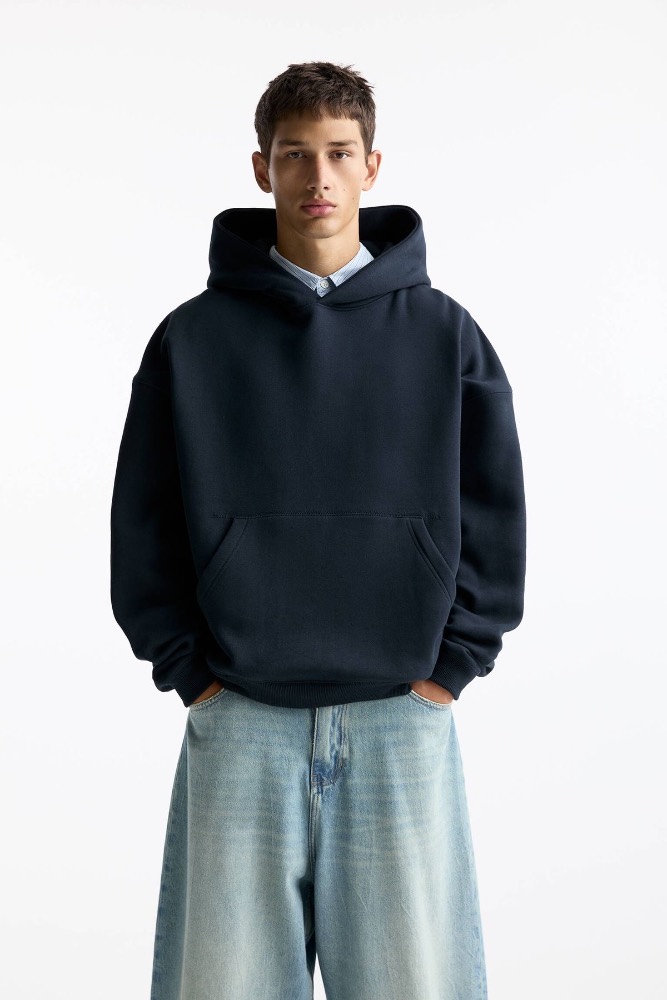
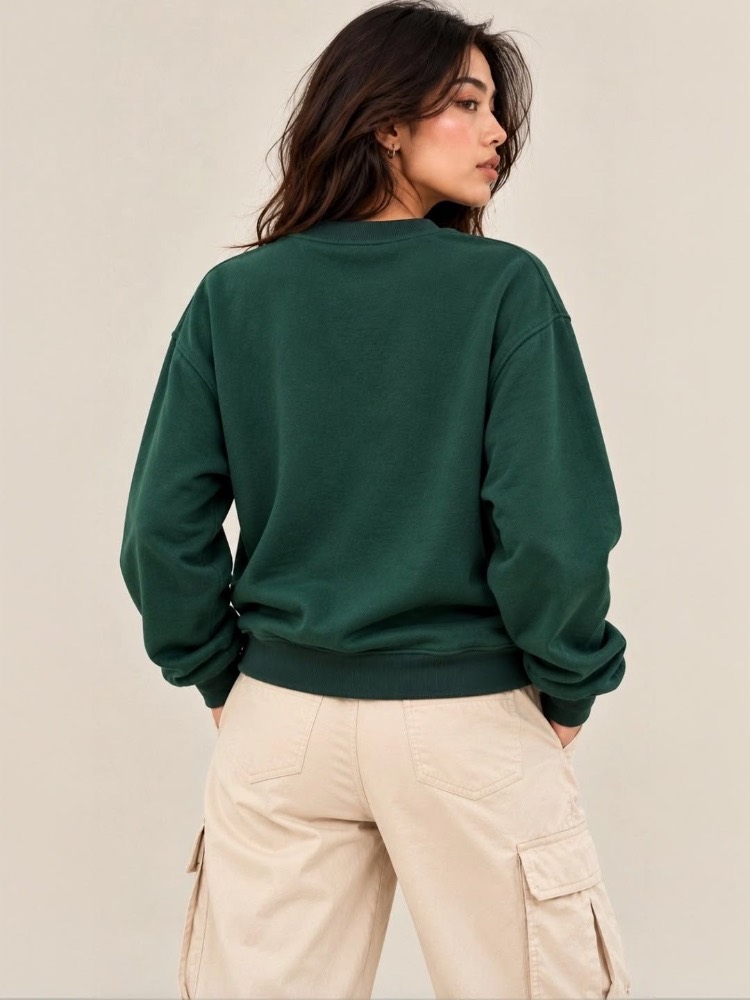
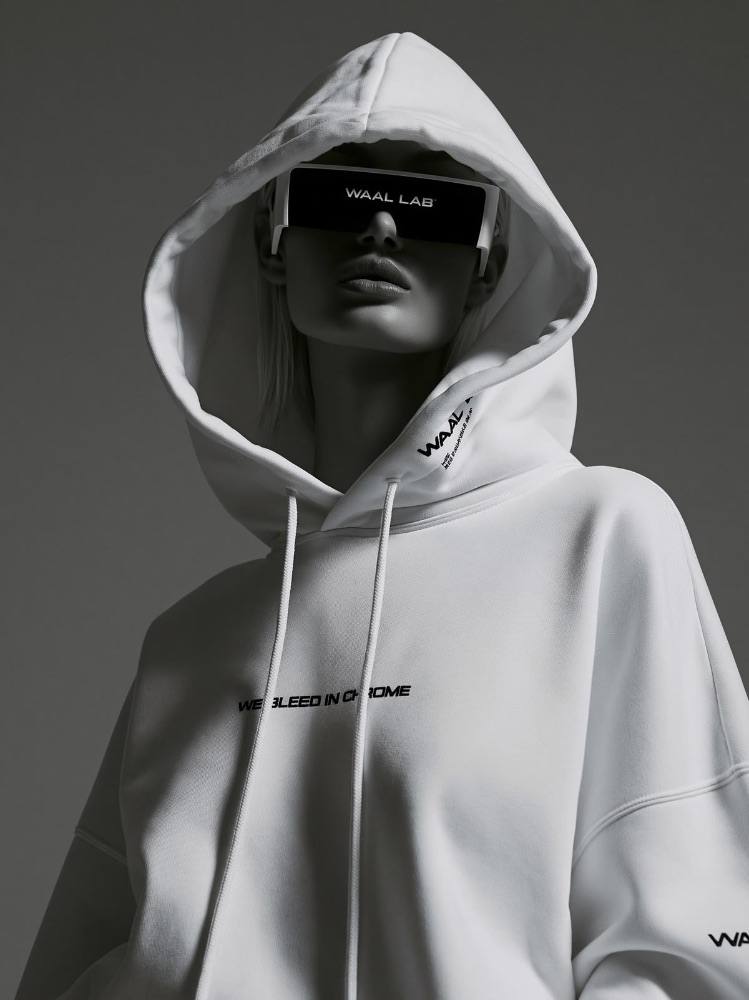
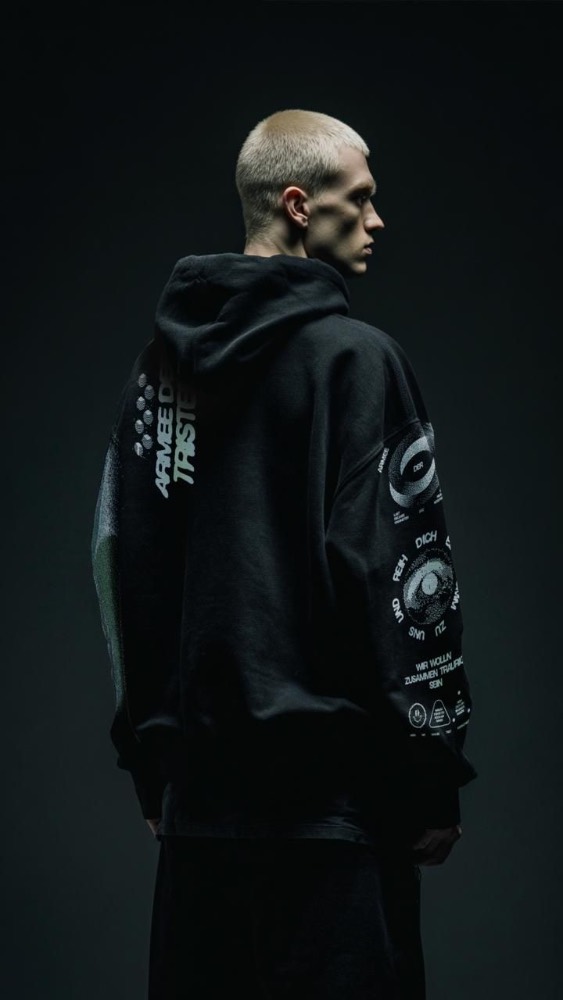
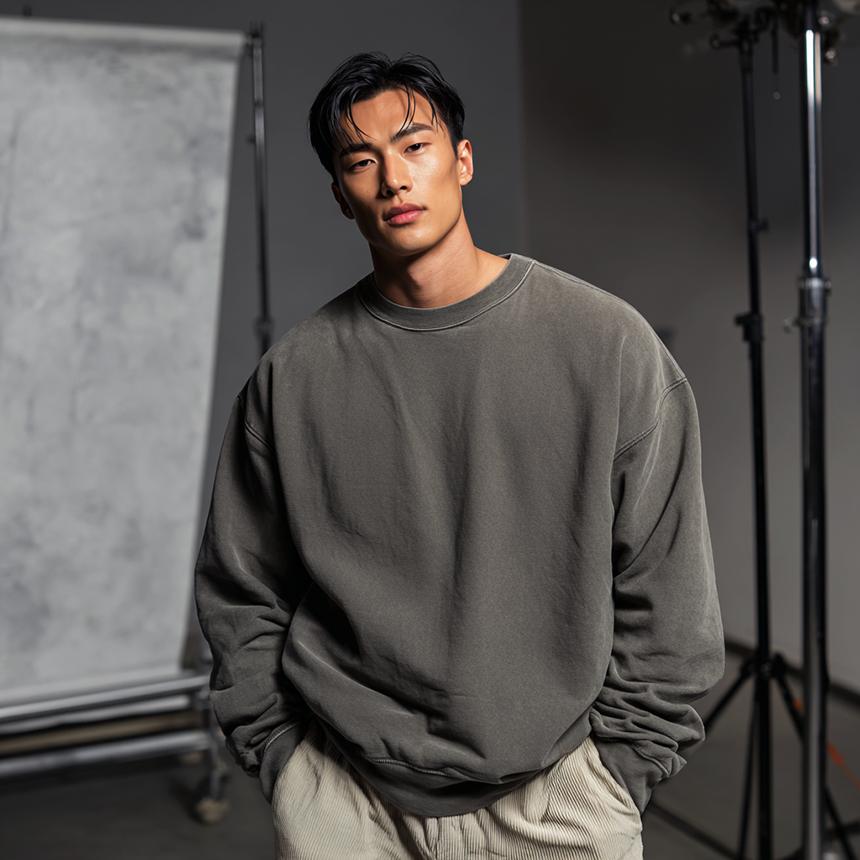
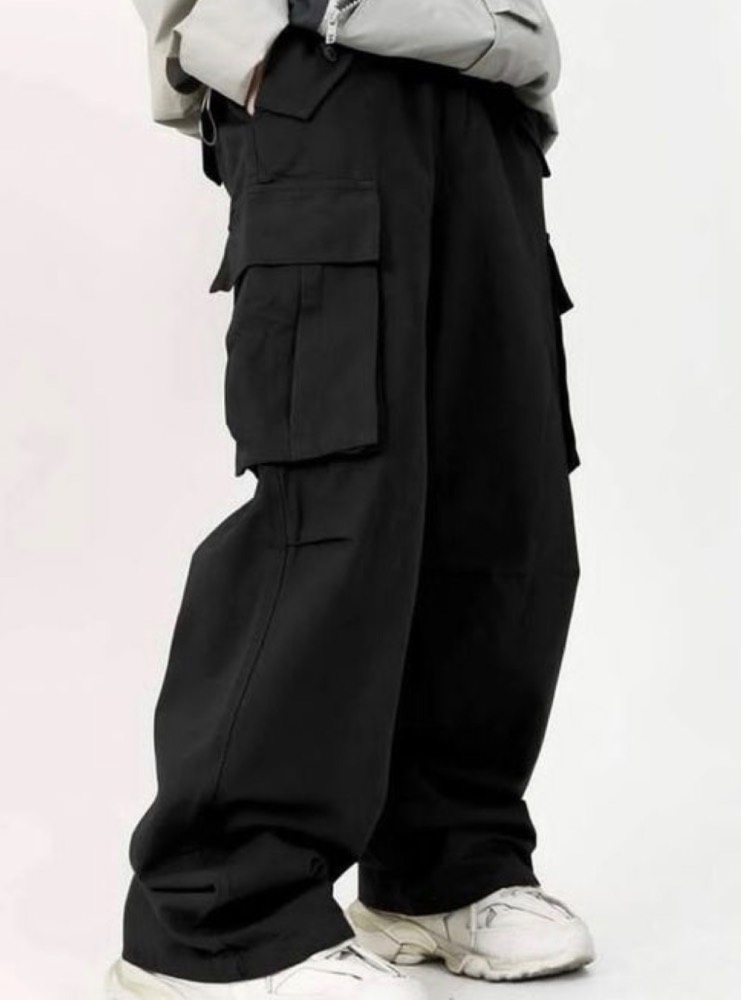

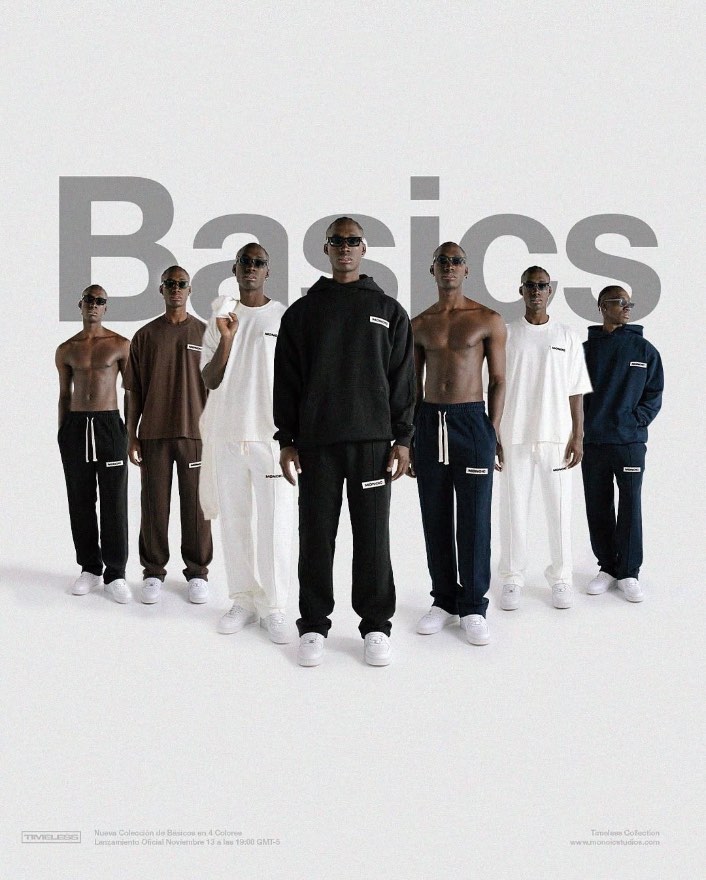
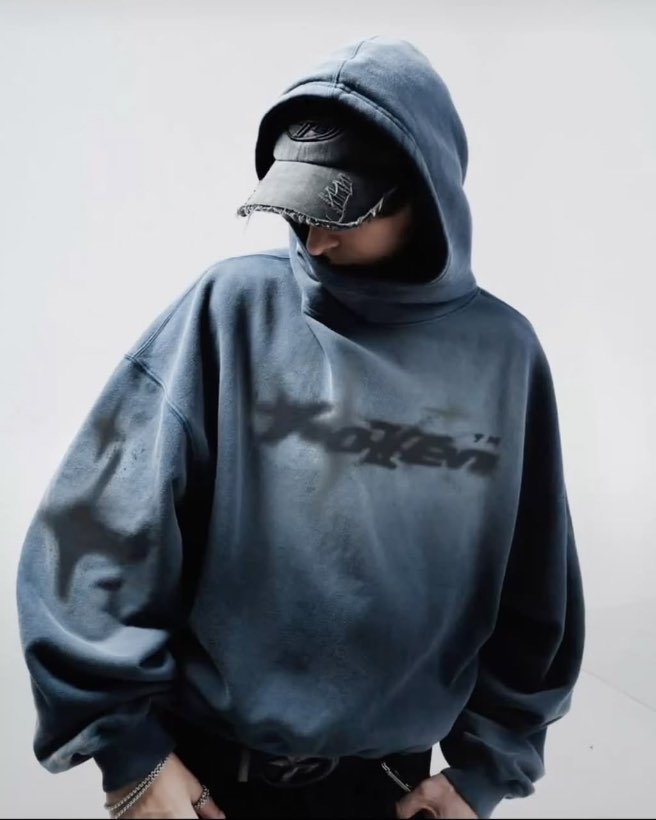 Men
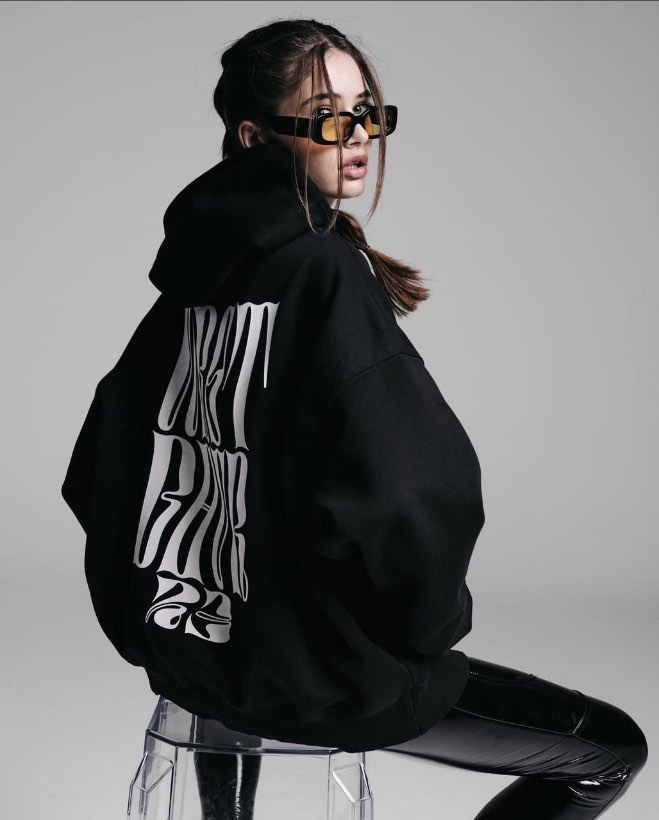 Women